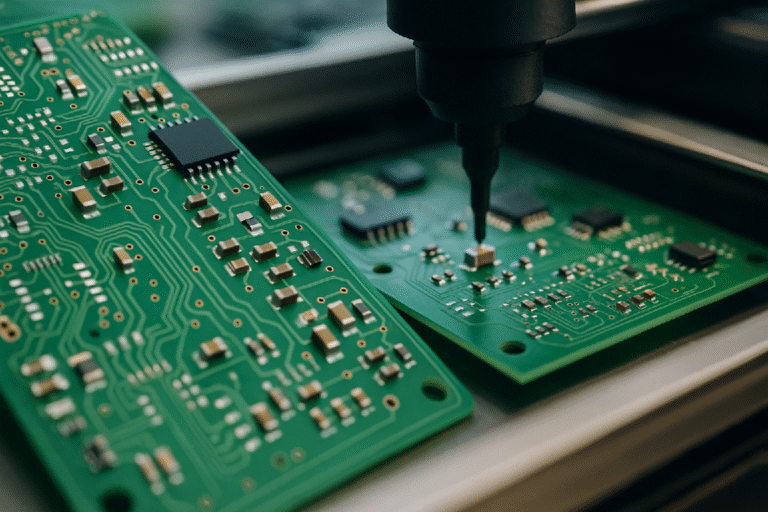
Essential Tablet Specs You Should Understand Before You Buy

Technology shapes how we study, work, and relax, and tablets are at the heart of that experience. While design and branding may catch your attention first, it is the specifications that determine how well the device will serve you in daily life. A sleek tablet with weak specs may quickly frustrate you, while a well-balanced one can remain reliable for years. That’s why taking the time to understand key specifications is an investment in your own productivity and comfort. In this article, we will break down the most important tablet specs in practical terms so you can confidently choose the right device for your needs.
Processor (CPU): The Brain of Your Tablet
Cores, GHz, and Performance: What It All Means
Think of the processor as the brain of your tablet—it controls how quickly the device can respond to your actions. Terms like “GHz” measure speed, while “cores” indicate how many tasks the processor can handle at once. For example, a processor with multiple cores can manage streaming a video, downloading files, and browsing the web more smoothly than one with fewer cores. While these numbers may sound technical, they directly impact your everyday use. Faster processors mean less waiting time, fewer freezes, and a smoother overall experience when switching between apps or playing high-quality videos.
Matching Processor Power to Your Usage
Not everyone needs the most powerful processor, and it is important to match the performance to your lifestyle. If you mostly use your tablet for reading e-books, casual browsing, or checking emails, a mid-range processor is more than sufficient. However, for professionals who rely on their tablet for video editing, design work, or heavy multitasking, investing in a higher-end processor ensures smoother workflows. Students might find themselves in the middle ground, needing enough power for online classes, research, and note-taking without overspending. By reflecting on your own habits, you can avoid paying for performance you do not need or, conversely, buying a device that will feel sluggish too soon.

RAM (Memory): Multitasking Made Smooth
RAM, often measured in gigabytes, is the space your tablet uses to handle tasks in progress. If you enjoy switching between apps—such as listening to music while browsing the web and replying to messages—more RAM allows this without slowdown. A tablet with limited RAM may close apps in the background, forcing you to reload them, which can be frustrating. For light users, around 4GB can be sufficient, while heavier multitaskers or creative users might prefer 8GB or more. RAM does not just affect professionals—it matters for anyone who dislikes interruptions during daily use.
Storage: How Much Space Do You Really Need?
Storage determines how many apps, photos, and videos you can keep on your device. Many people underestimate how quickly space fills up, especially with high-quality photos and large apps. While cloud storage can help, it is more convenient to have enough local storage to avoid constant management. For basic users, 64GB might be enough, but if you enjoy downloading movies, storing offline music, or working with large files, 128GB or more is recommended. Some tablets also support expandable storage through memory cards, giving you flexibility. Thinking ahead about your storage needs saves you from frustration when you inevitably run out of space.
See also: How Emerging Tech Will Reshape Education by 2030
Display: Resolution, Technology, and Eye Comfort
The display is the part of the tablet you interact with most, and its quality significantly affects your comfort. Higher resolution screens make text sharper and images more detailed, which is important for reading documents or enjoying videos. Advanced technologies like anti-glare coatings or huawei MatePad 11.5’s PaperMatte displays reduce reflections, which helps protect your eyes during long study or work sessions. Refresh rates, measured in hertz, also contribute to smoother scrolling and video playback, which many people find more comfortable over time. Since tablets are often used for hours, investing in a screen that reduces eye strain is both practical and beneficial for your health.
Battery Life: Decoding mAh and Real-World Usage
Battery life is one of the most practical specs to understand, but numbers on paper can be misleading. Capacity is usually measured in milliamp-hours (mAh), but real-world performance depends on how efficiently the tablet uses that power. For example, two devices with similar battery sizes may perform differently depending on their processors and display settings. When evaluating, pay attention to estimates of usage time, such as hours of video playback or browsing, since these are easier to relate to your daily activities. A tablet with strong battery life means less worry about carrying chargers, especially for students or professionals on the go.
Connectivity: 5G, Wi-Fi, and Ports Explained
Connectivity options determine how versatile your tablet will be in different environments. Faster Wi-Fi ensures smoother video calls and downloads, while 5G support can keep you connected even without Wi-Fi access. The type and number of ports also matter, as they allow you to connect keyboards, headphones, or external storage. For example, if you plan to use your tablet as a study or work device, checking for keyboard support and sufficient ports will make your experience more seamless. Connectivity may not be as eye-catching as display or processor specs, but it directly influences how flexible and future-proof your device is.
Conclusion
Choosing a tablet becomes much easier once you understand the meaning behind the specifications. By carefully evaluating processor performance, RAM, storage, display quality, battery life, and connectivity, you can select a device that matches your lifestyle and avoids common frustrations. Instead of being overwhelmed by technical terms, think about how each feature translates into your daily use—whether that’s studying, working, or relaxing with entertainment. And if you find that your current tablet no longer meets these needs and are considering purchasing a new one, the huawei MatePad 11.5 is an excellent option, offering all the features discussed and making it a reliable choice for the years ahead.